AI for content-led commerce

From product facts
to content that
moves people.

We build custom AI tools for product copy and images, livestream highlights, searchable media libraries and product-aware customer support. Connect them to your team’s review and publishing process.

For eCommerce brands and marketing teams in New Zealand and Australia.

Unbranded skincare products ready for a product content briefThe starting point: your product.
One good product brief.

Copy, scripts and channel briefs.

Product storyVideo scriptEmail
Made for
your workflow.
From brief to contentProduct stories, ready to develop.
Product factsContent plansCreativeChannelsConversationsRepeat business

Four ways to put AI to work

More content.
More from your content.

Explore four custom solutions, from the first product brief to the next customer question.

01 / 04Content studio

From a product brief.
To a whole content pack.

Start with Product details, brand guidelines and existing photography.

  • Draft descriptions, captions and video scripts.
  • Prepare image variations for your campaign.
  • Review versions and rerun the step that needs work.

Explore content studio ↗
Unbranded product photography for a content brief
Example content packOne product.
Different stories.
Product descriptionSocial captionsVideo script
Draft → Review → Approved
Example project output

Reviewed copy, image variations and scripts, organised by product and channel.

02 / 04Livestream highlights

The broadcast ends.
The content keeps going.

Start with A livestream replay or an existing product video.

  • Locate useful demonstrations and customer answers.
  • Review suggested clips, source timestamps and titles.
  • Adjust the cut list and export the approved segments.
Explore livestream highlights ↗
A camera operator recording video content
From the original recording
Illustrative cut listSelected moments
Product demonstrationReview the segment
A useful customer answerAdjust the boundaries
Transcript + clips + suggested captions
Example project output

Selected clips, a timestamped transcript and suggested social copy.

03 / 04Asset library

Less searching.
More making.

Start with Your product photos, demonstration videos and past campaigns.

  • Organise originals by product, tags and campaign.
  • Make image text and video transcripts searchable.
  • Find relevant media in plain language and inspect the source.
Explore asset library ↗
Example search“Find the product detail shot.”
Clothing collection on a rail
Collection imagery
Garments photographed for a retail collection
Product details
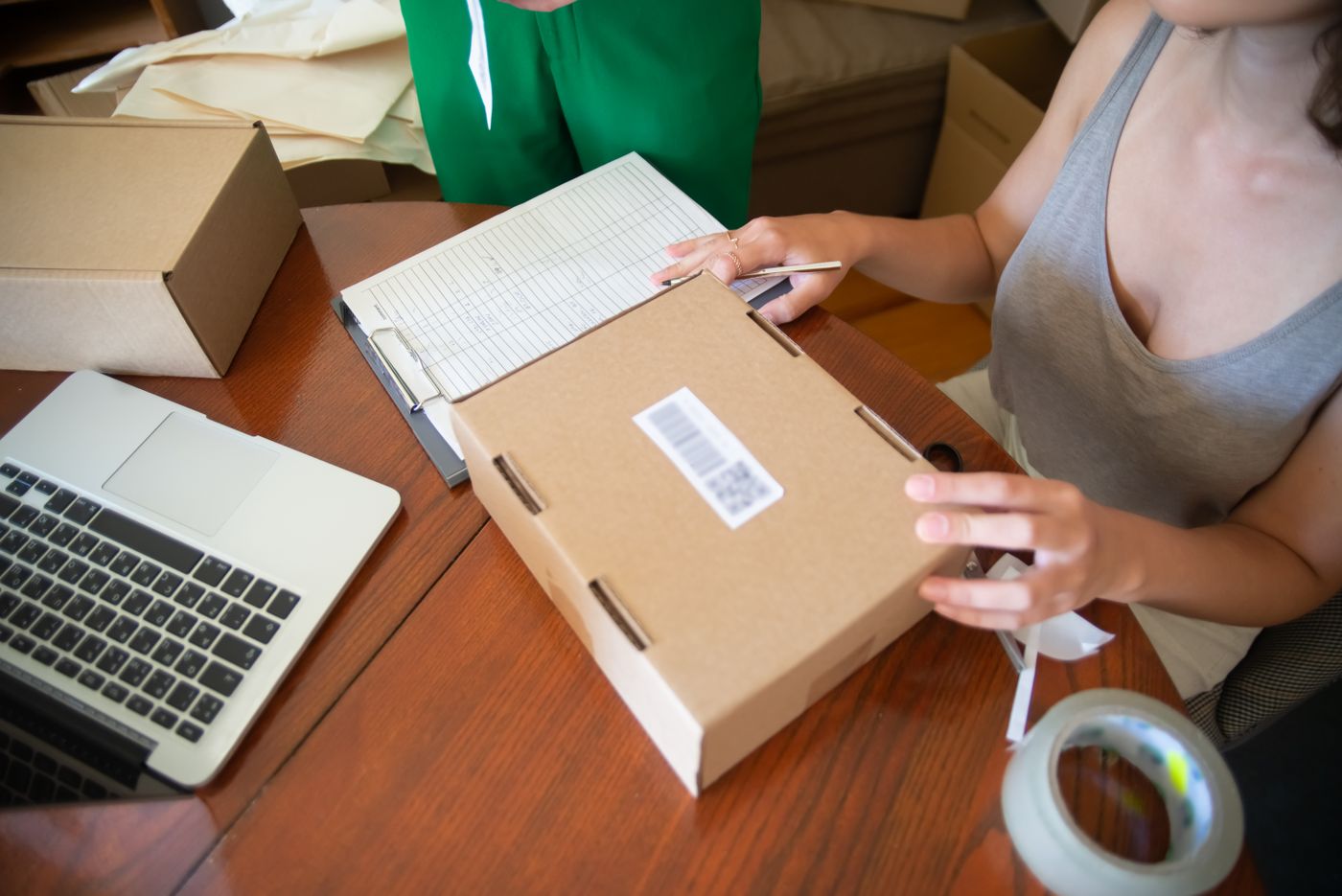
A retailer packing a parcel
How-to references
A warehouse with product stock
Operations library
Originals preservedProduct tagsSource references
Example project output

A searchable media collection for your content and support teams.

04 / 04Product support

A good answer
has something behind it.

Start with Approved product knowledge, policies and linked media.

  • Answer with relevant text, images and video references.
  • Add authorised order lookup or return-request routing.
  • Hand complex questions to your team with the context.
Explore product support ↗
A support professional using a headset and laptop
Illustrative support workflow

“Can you show me how this product works?”

Bring the right context.

Approved instructions, product images and a relevant video reference.

Product guideVideo reference

Exceptions go to your team, with context.

Example project output

A scoped support assistant with maintained knowledge and clear escalation rules.

A place in the bigger picture.

Start with one useful tool. Connect it to the rest of your content and customer workflow when you’re ready.

  1. 01

    Product foundations

  2. 02

    Content planning

  3. 03

    Creative & scripts

  4. 04

    Channel workflows

  5. 05

    Customer interactions

  6. 06

    Conversion & retention

Built around your content.
Connected to your business.

Your creative team shouldn’t have to become your integration team. We handle the custom development that makes the process fit.

Two people discussing a workflow at a laptop
Illustrative collaboration scene.

A studio approach

Designed with your team.
Built around your tools.

We review your current process, agree the deliverables and develop the integrations around your existing tools. Your team receives review examples, operating guidance and an agreed support plan.

How we work ↗

A sensible way
to get started.

Start with discovery, a focused pilot or a connected workflow project. Scope and fees are confirmed in a proposal.

Explore engagement options ↗

Where does content work
slow your team down?

Tell us about a recurring task or a workflow you would like to improve.

Request a consultation ↗